 COME
COMEChoose a COME General Help Topic
Choose a help topic from the behaviour you can describe: password recovery, a network message or another account-related question. The category is a starting point, not a diagnosis by itself.
Name the failed action
State what you were trying to do, which screen was open and the exact message. “The app is not working” can hide several different tasks. A specific action makes it easier to choose a matching topic.
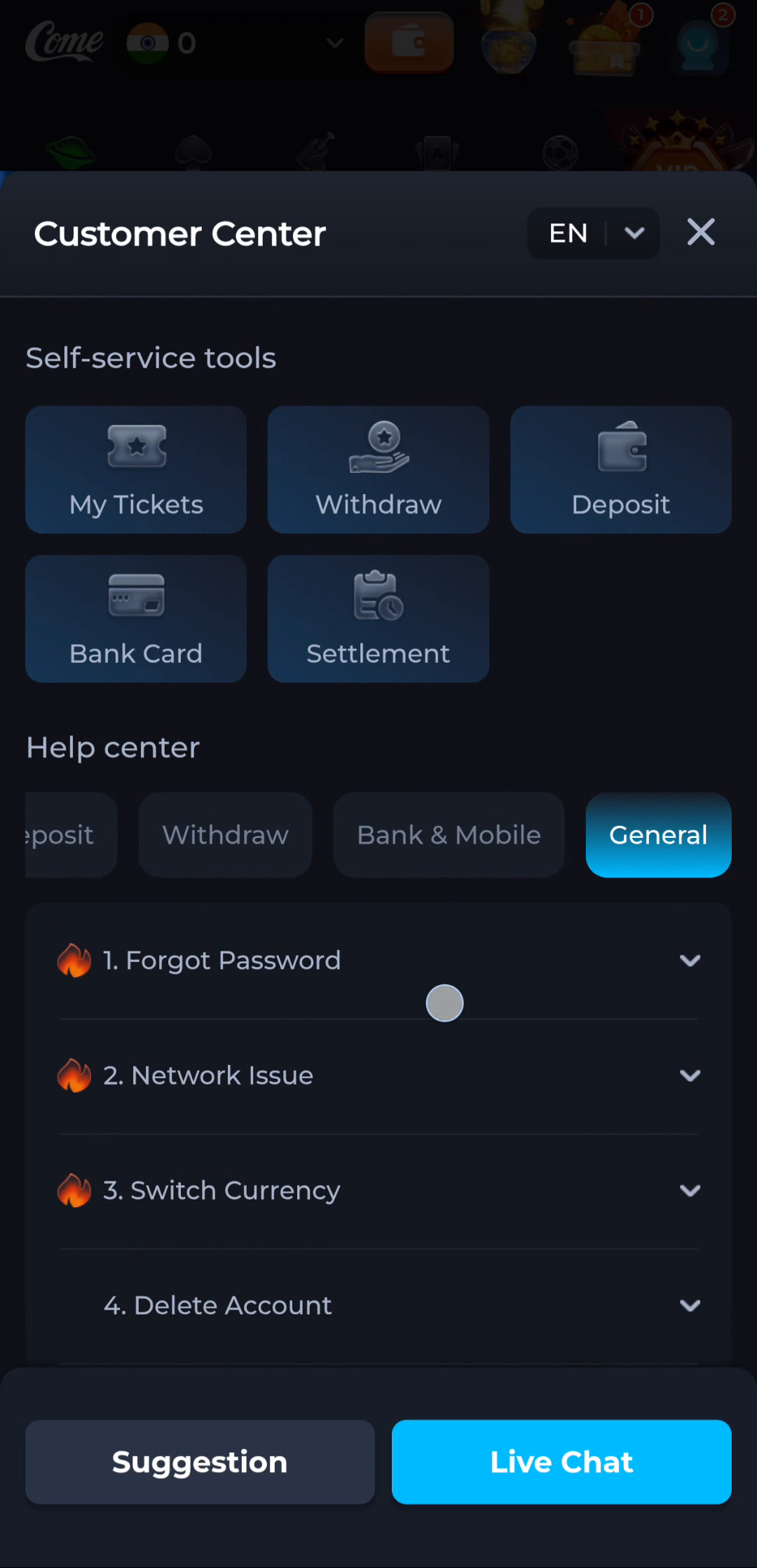
Read the topic in context
The General screen shows separate items such as Forgot Password and Network Issue. A password question belongs to login recovery; a connection question belongs to the app or network stage where it occurs. Neither should automatically become an APK reinstall.
Use further help when reading is not enough
Follow the contact or ticket route actually offered by the current service. Provide only the needed non-sensitive details and keep recovery credentials private. General website text cannot inspect or change a specific account.
A useful next step
Return to COME’s overview or browse the guide directory for another task. Use Download when the issue is specifically with obtaining or installing a package.
Related: Why an IPL Score Can Rise Without the Over Count Changing