 COME
COMEPreserve COME Account Access Before an Update
Before changing a COME installation, keep access to the account’s normal login or recovery method. Software installation and account recovery are related tasks, but one does not automatically complete the other.
Check what currently works
Open the existing app and identify the intended account route. Note whether the problem is software, connectivity or account access. If the current app is usable, keep it while comparing the offered update.
Avoid changes that obscure the state
Do not clear app data, log out or uninstall solely to test an uncertain package. Such changes can remove local context and make recovery harder. A saved APK is an installer, not a guarantee that all app or account information has been backed up.
Confirm access after an accepted update
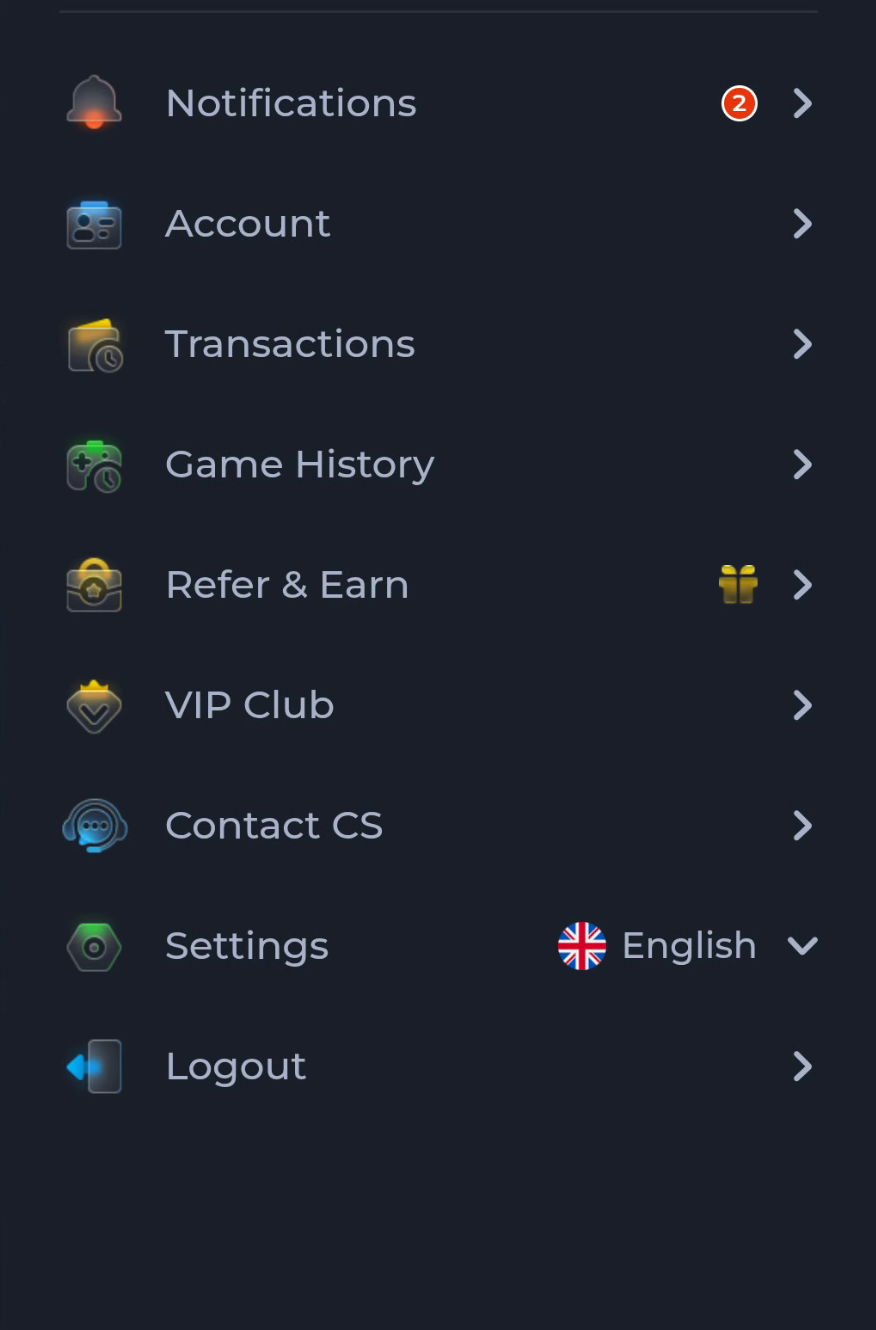
Open COME, inspect the relevant screen and use the same intended account route. The menu separates Account, Transactions and Game History, so verify the account context before looking for activity. Use current recovery help if login needs attention.
A useful next step
Use Download for the package steps and keep recovery as an explicit check before and after the change.